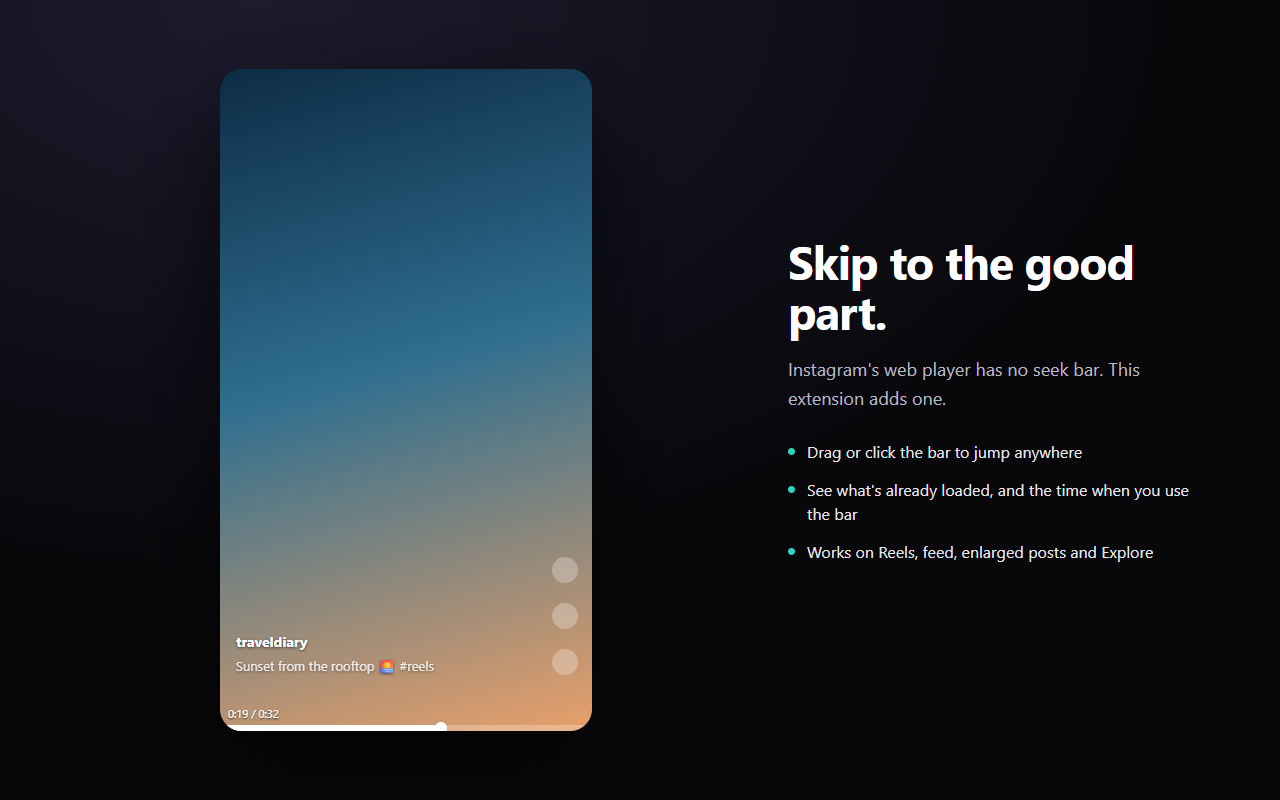
Instagram’s web player has no seek bar. You can’t skip ahead, you can’t go back to the part you missed, and you can’t tell how long a video is. This extension adds the bar that should have been there.
What it does
- Drag or click anywhere on the bar to jump to that point
- Current time and total length, shown while you’re using the bar
- The buffered range is drawn in a lighter shade, so you can see how far ahead is safe to jump to
- Works on the Reels page, the home feed, post lightboxes and Explore
- Adjustable bar thickness, handle size and hover area; the time label can be switched off
Install
Get it on the Chrome Web Store
Or build it from the source in this repository:
npm install
npm run build
Then open chrome://extensions, turn on Developer mode, choose Load unpacked, and select .output/chrome-mv3.
Something broken?
Instagram changes its site regularly. If the bar stops appearing or behaves oddly, please open an issue rather than leaving a review — issues can actually be fixed.
Useful details to include: the page you were on (Reels, feed, a post, Explore), your Chrome version, and whether anything shows up in the console.
Privacy
No data collection of any kind. No analytics, no telemetry, no servers, no network requests. The only thing stored is your appearance settings, kept in your own browser profile.
Not affiliated with Instagram
This is an independent project. It is not affiliated with, endorsed by, or sponsored by Instagram or Meta.
中文
Instagram 網頁版的播放器沒有進度條。你沒辦法快轉、沒辦法回去看漏掉的片段,也不知道影片到底多長。這個擴充功能把本來就該有的那條進度條補上。
功能
- 拖曳或點擊進度條上任一點,直接跳到那裡
- 使用進度條時會顯示目前時間與影片總長度
- 已緩衝的範圍會用較亮的顏色畫出來,一眼看出拖到哪裡是安全的
- Reels 專頁、首頁動態、貼文燈箱、探索頁都能用
- 進度條粗細、圓點大小、感應區高度都可調,時間標籤也能關掉
安裝
到 Chrome 線上應用程式商店安裝
壞掉了?
Instagram 會不定期改版。如果進度條不見了或行為怪怪的,請開一個 issue,不要直接留評論 —— issue 才修得到。
附上這些會很有幫助:你在哪個頁面(Reels、首頁、貼文、探索)、Chrome 版本、主控台有沒有訊息。
隱私
不蒐集任何資料。沒有分析工具、沒有遙測、沒有伺服器、不發任何網路請求。唯一儲存的是你的外觀設定,存在你自己的瀏覽器設定檔裡。
與 Instagram 無關
這是獨立開發的專案,與 Instagram 及 Meta 無任何隸屬、背書或贊助關係。